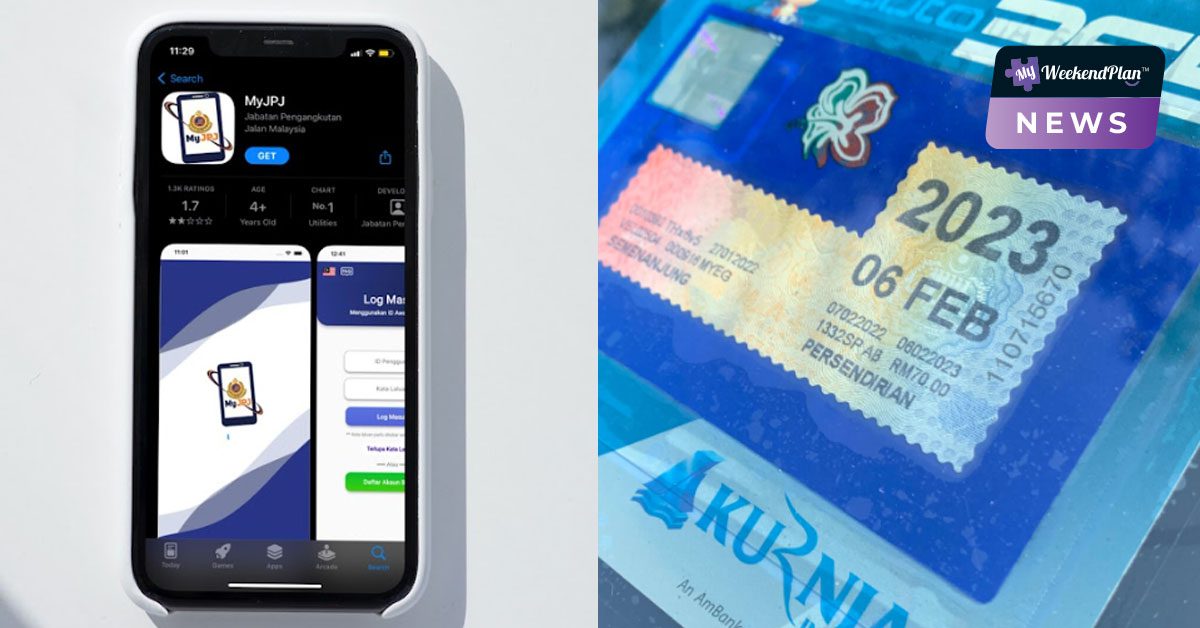
Private vehicle owners in Malaysia are no longer required to display a physical road tax on their vehicles, according to the announcement made by Transport Minister Anthony Loke.
Instead, Malaysians are encouraged to sign up for JPJ accounts and utilize the MyJPJ app to access their digital road tax and driving licenses. However, those who prefer a physical road tax may still opt for it.
The new MyJPJ app allows users to:
- Check the validity of a driving licence
- Check the validity of road tax
- Check driving test results
- Check JPJ fines
- Check blacklisted vehicles
This app will make it easier for Malaysians to track their fines and know their driving test results.
Haven’t you downloaded the app yet? Here are the links to the MyJPJ app on the App Store and Google Play.
Let’s learn the step-by-step guide on how you can access your digital road tax and driver’s licence on the MyJPJ app.
1. Download the MyJPJ app

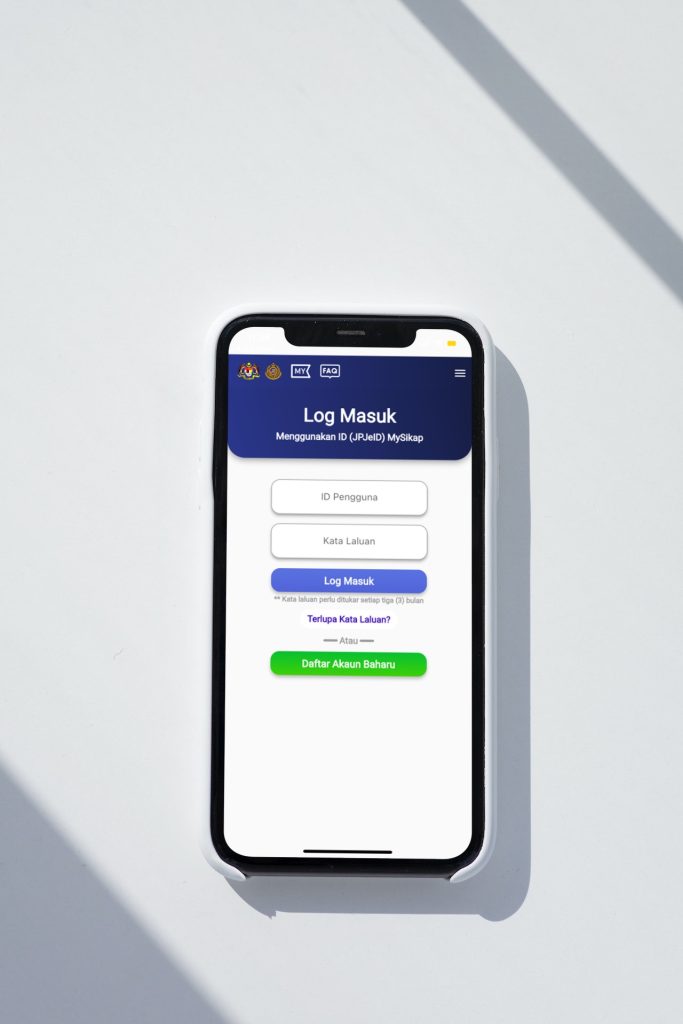
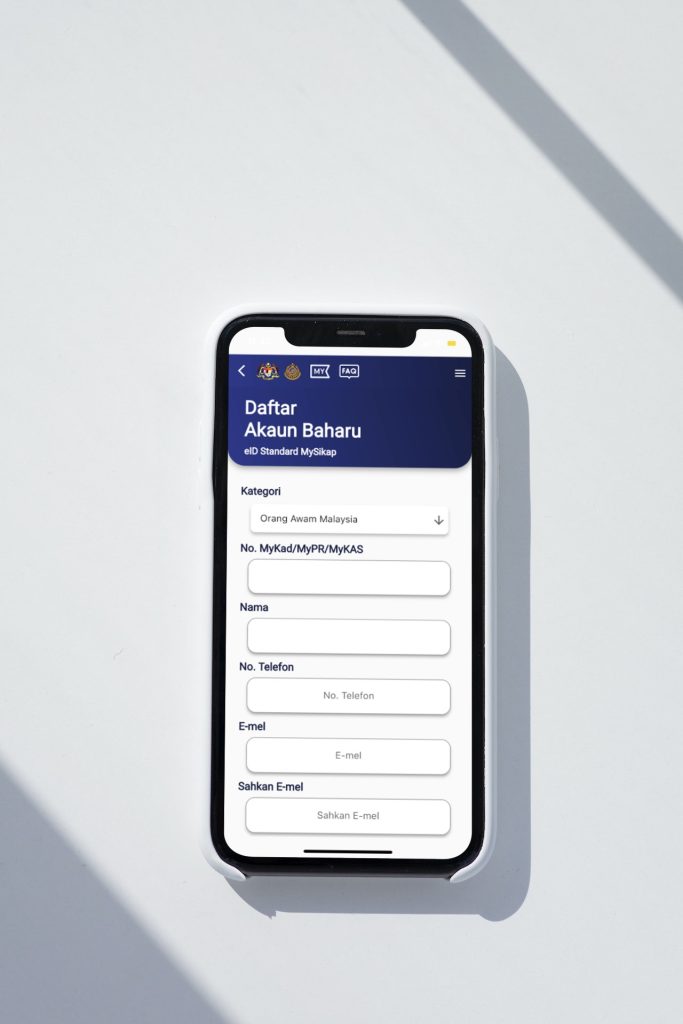
2. Sign up for a new account
3. Fill up all your personal details
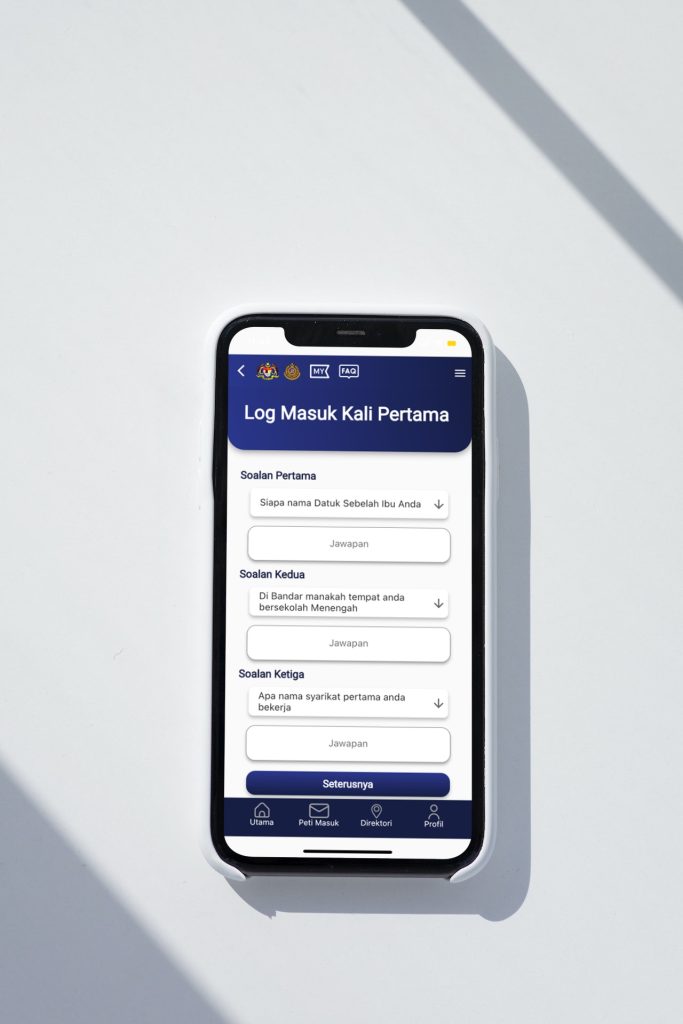
4. Fill in the answers to your security questions
5. Set up the password

6. Log in to your new account with your IC number and password

7.Click on ‘Profil’
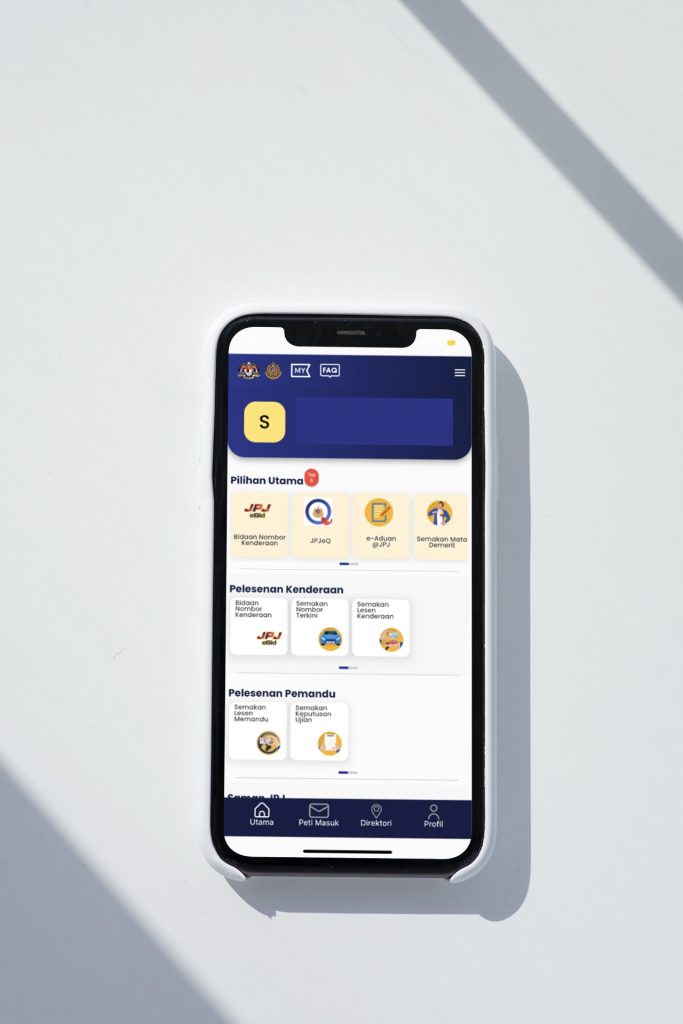
8. Click on ‘Lesen Memandu’ to see your digital driving licence
9. Click on ‘Lesen Kenderaan Motor’ to see the digital copy of your road tax
The digital road tax and driving license feature a QR code that can be displayed to authorities, allowing them to scan it to verify its validity.