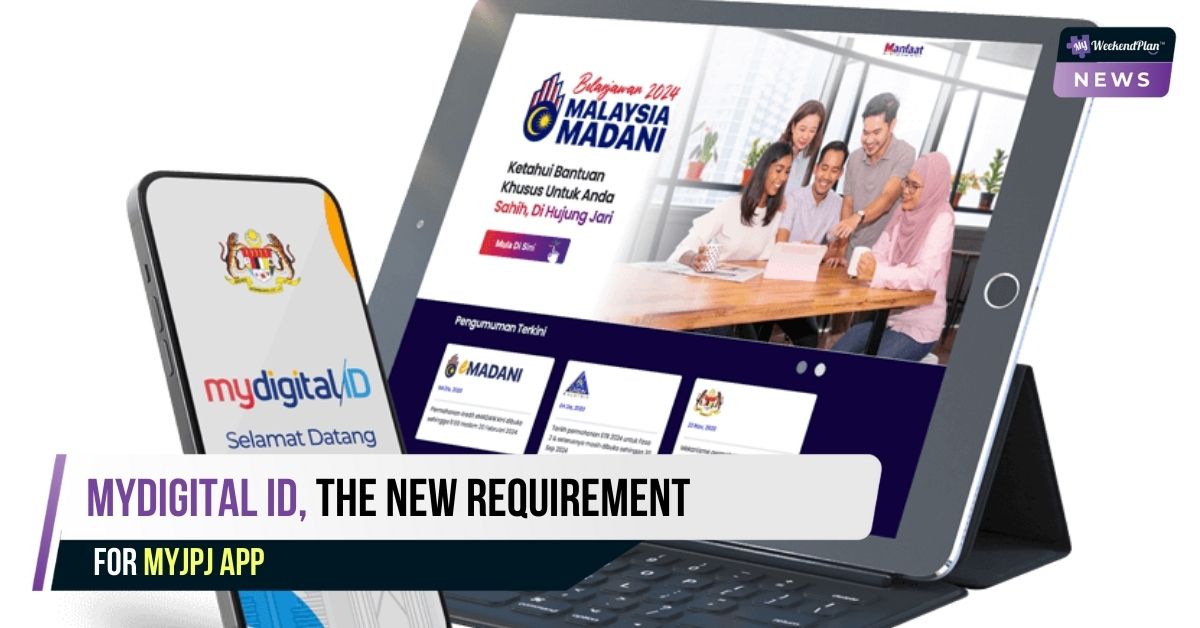
From 10 October, MyDigital ID will become an essential requirement for users of the MyJPJ app, marking a significant shift in how the Road Transport Department (JPJ) handles digital identification.
MyDigital ID is a secure digital identification system aimed at streamlining online services while improving user data protection. With this new requirement, users will need to register and verify their MyDigital ID to access features within the MyJPJ app, such as road tax renewal and summons payment.
This change is part of Malaysia’s effort to enhance digital services and provide a more secure and seamless experience for its citizens. The introduction of MyDigital ID will not only simplify various JPJ transactions but also ensure better privacy and protection of user information.
Is It Safe To Register?
MyDigital ID Sdn Bhd — a subsidiary of the Ministry of Science, Technology and Innovation’s Mimos Berhad which developed the MyDigital ID app — reassured Malaysians that MyDigital ID does not store their biometric data, and said MyDigital ID prioritises data safety and privacy.
“It also does not collect, monitor or store personal data,” the company said. It also said MyDigital ID does not monitor users’ online activities.
MyDigital ID also does not replace your Malaysian identification card or MyKad for identification purposes.
Before You Register For MyDigital ID
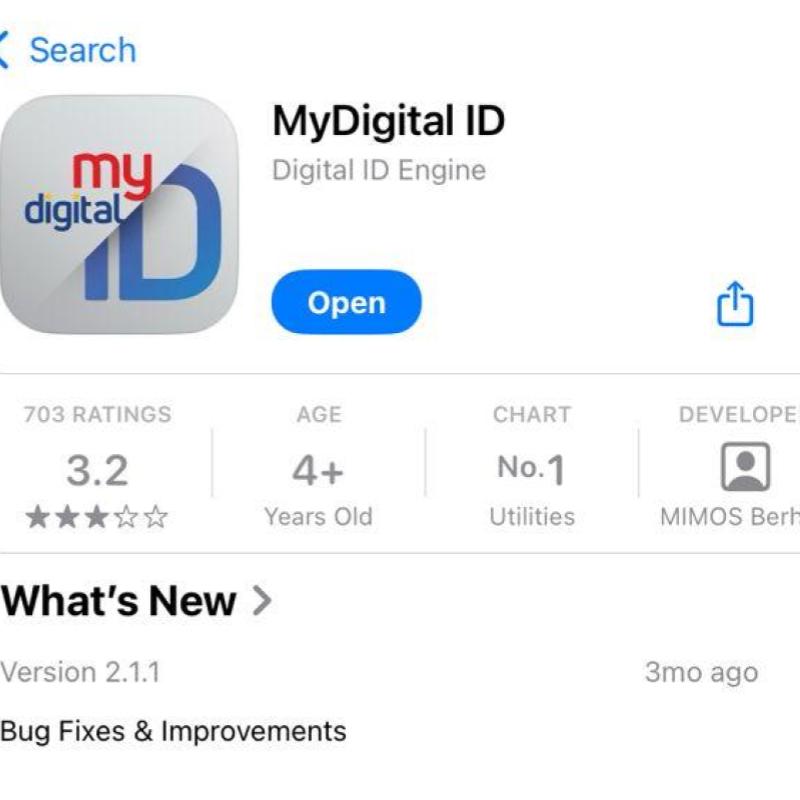
- Grab your smartphone, go to the Google Play Store or the Apple App Store.
- Search for this app: “MyDigital ID”
- Install the MyDigital ID app.
- Once installed, open the MyDigital ID app.
If you’re an existing MyJPJ user or new to the platform, it’s essential to get your MyDigital ID ready. Here’s our guide on how to register an account, ensuring you can continue using the app without any issues. Rest assured, the process is simple and designed with your security in mind, so you can manage your JPJ transactions with confidence.
Here’s How To Register Your MyDigital ID Account
The following is a step-by-step guide:
First, Click the “Daftar Online” (Register Online) button.
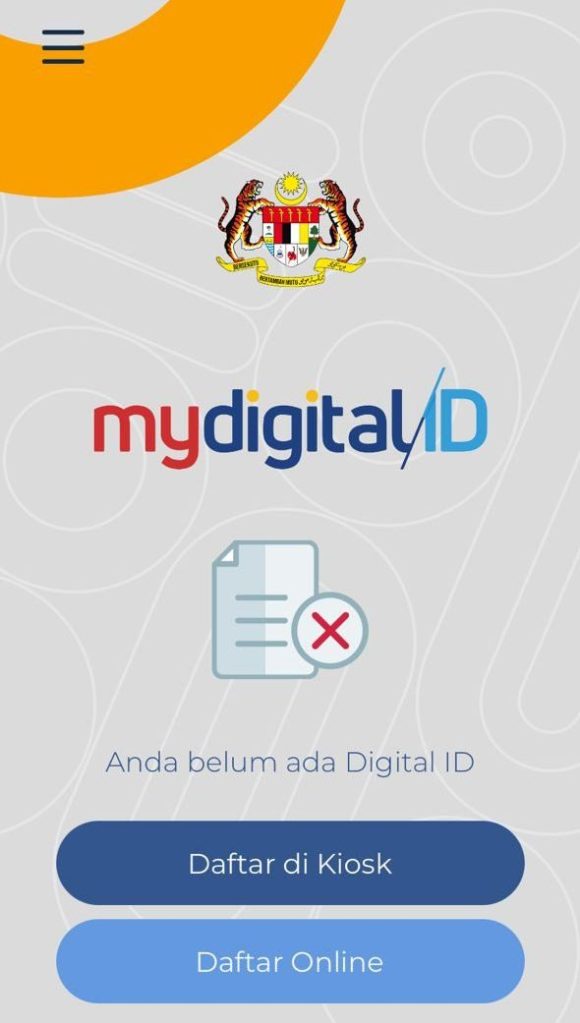
You can choose the preferable language on the top right corner to change the language settings to English or BM.
Step 1: Fill in your current email address.

Step 2: Open the inbox at your email account.
Find the email from MyDigital ID which states the six-digit One Time Pin (OTP). Type those six digits in the MyDigital ID app. (Please do it within five minutes as the OTP is only valid for five minutes).
Then click the “Next” button.

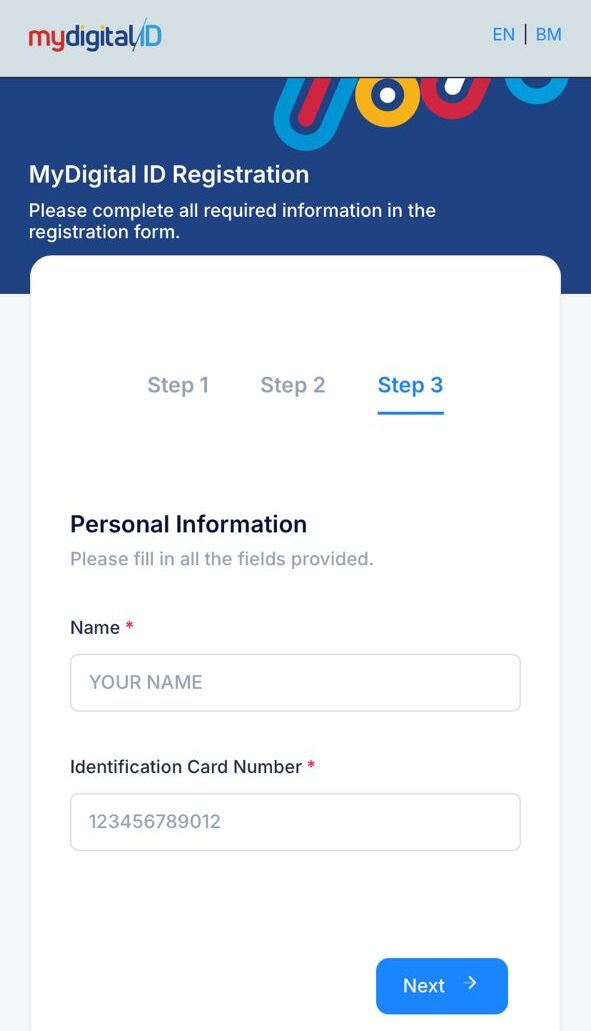
Step 3: Type in your Name (on IC)/ Identification Card (IC) number, then click the “Next” button.
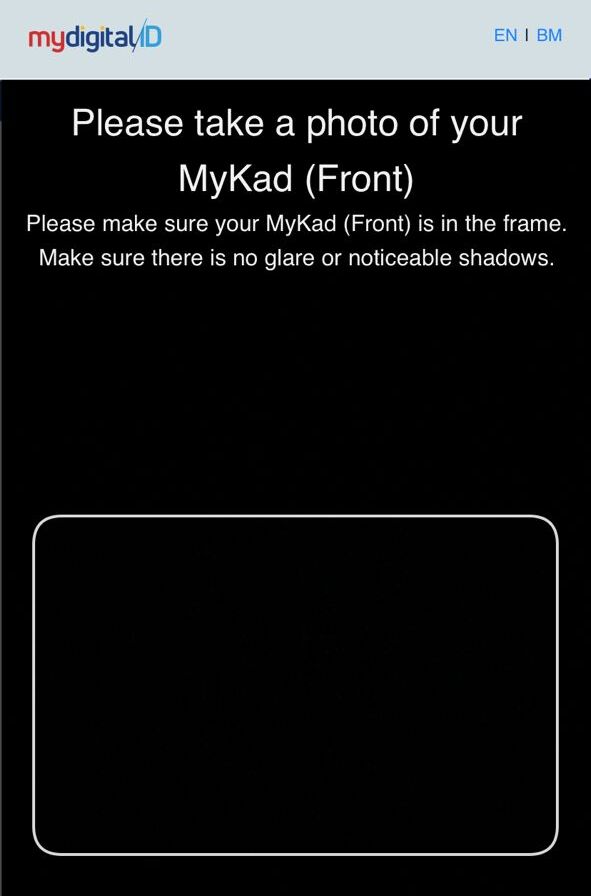
Step 4: Now use your phone to take a photo of your MyKad. Take a photo of the front of your IC first.
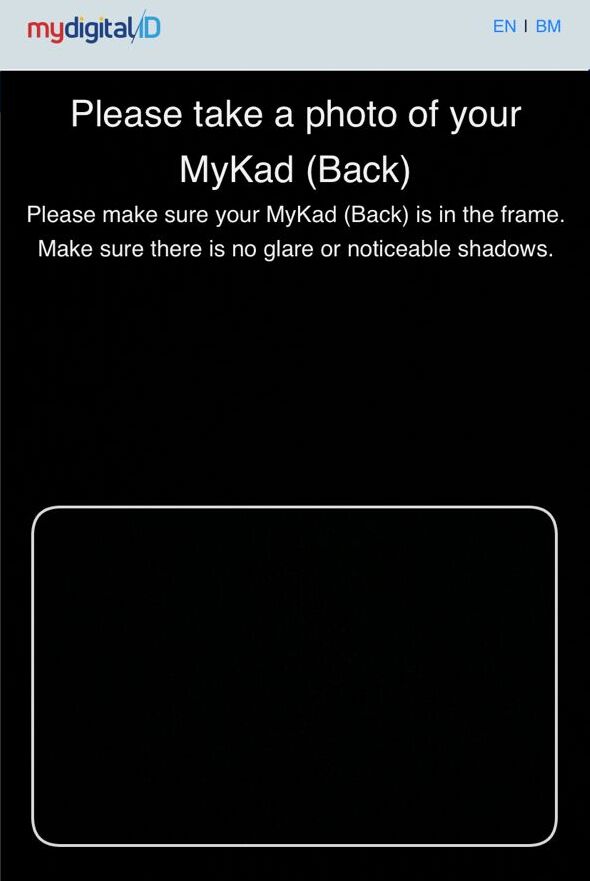
Step 5: Then, take a photo of the back of the card.
Step 6: Take a “selfie” with your phone. Make sure your face is within the frame.

If you have cleared this stage, you will get a message saying the EKYC (electronic know your customer) process is complete.
Step 7: Now choose your password.
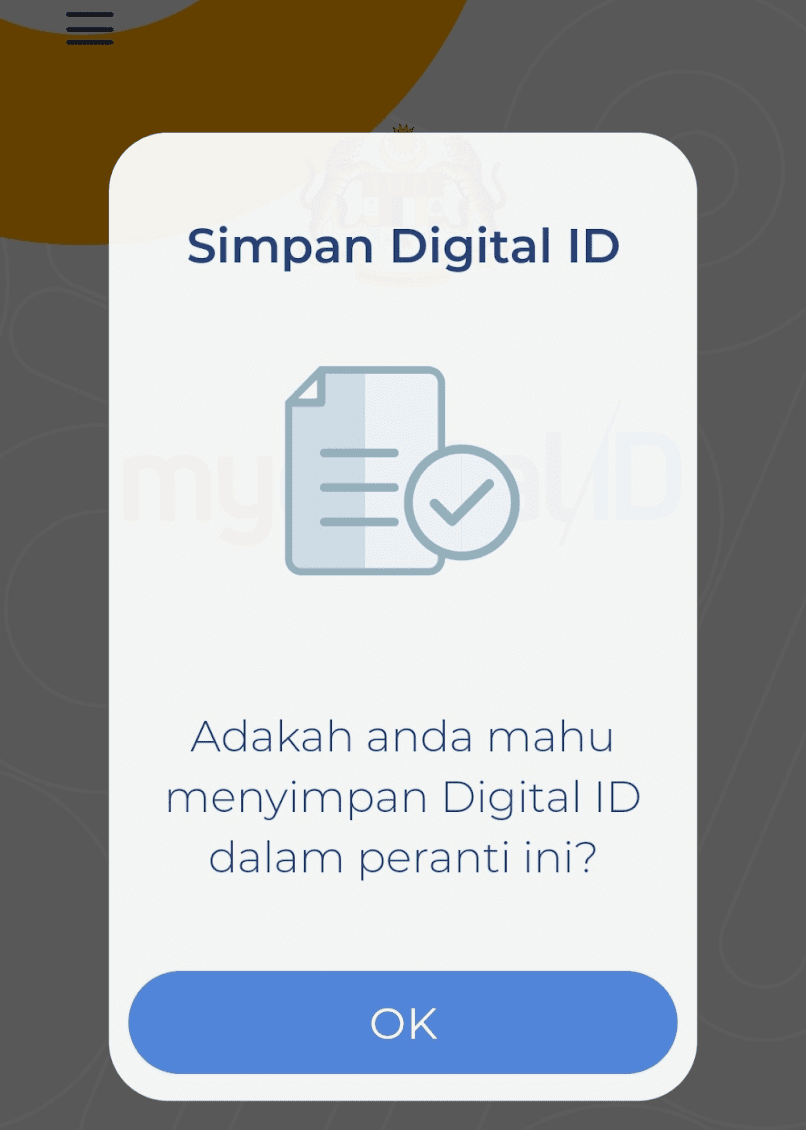
Once it is done, you will be asked: “Adakah anda mahu menyimpan Digital ID dalam peranti ini?” (Do you want to store Digital ID in this device?).
Click “OK”.You will get a message in the national language saying “Congratulations, your digital ID is ready to be used”.
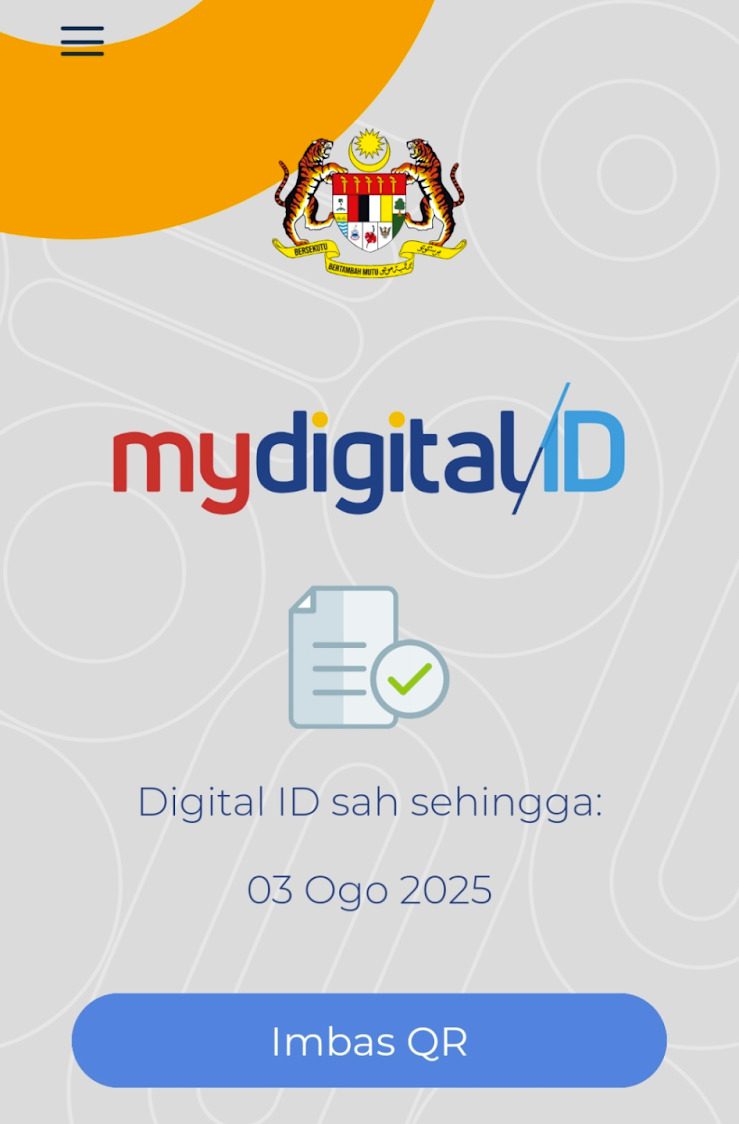
The app will now show when your MyDigital ID will expire (one year from the date you registered it). (Don’t worry, this is actually a safety feature of MyDigital ID. After it expires next year, you just have to renew the registration.)
The app also now shows the words Imbas QR (scan QR) on a blue button. This means you will be able to scan the QR code to use your MyDigital ID.
Then, you’re done!
So, What Can You Use Your MyDigital ID For?
When you go to the Road Transport Department (JPJ), if you have a MyDigital ID, you no longer need to perform another biometric verification. (Just remember to bring along the smartphone where you registered your MyDigital ID.)
This is because the MyDigital ID system has now been integrated with JPJ’s MyJPJ.
MyDigital ID has currently been integrated with a few other government applications, such as MySejahtera, MyGov portal and the Human Resources Management Information System (HRMIS) Mobile.
The company said MyDigital ID is expected to be integrated with “more government services in the near future”, so we will just have to wait and see.
Fo more information on MyDigital ID, you may visit to https://www.digital-id.my/
Source: Malay Mail
So, what do you think? After you have done reading, do share and like, okay!
Note: The admin will not be directly responsible for the comments made by our readers. Therefore, all comments are the rights and responsibilities of the readers themselves.